Home / App Guide / Getting around / Trip Planner

How to plan a trip in Singapore with walk, MRT, bus, taxi or drive

By ZN LabsLast updated 4 min read

Short answer: open Trip Planner, enter where you are going, choose how you want to travel and read the steps. Drive trips add a fuel cost estimate and turn by turn directions. Tap Plot on map to follow the route.

What you can plan

How to use it

  1. Open Trip Planner.
  2. Set where you are going. Your current location is the usual start.
  3. Choose your travel mode, or compare a few.
  4. Read the steps. A walking step to a bus stop is labelled so you know where to get on.
  5. Tap Plot on map to see the route drawn on the map.
  6. Start the trip from the dashboard card when you set off. Starting and arriving are manual taps, because the app does not track you in the background.

Directions from anywhere

Many lists have a Directions button: hawker centres, EV charging stations, carparks, bicycle parking, recycling points and sport facilities. It fills in the destination for you. It starts in a sensible mode: walking for places under about 2 km, public transport for farther ones, and drive for parking and EV charging.

Tips

Good to know

Routes and times are estimates. Follow road signs and real world conditions. Trip Planner is available for Singapore.

Information comes from public sources and is there to help you plan. PantauSivik is independent and not affiliated with any government agency. Screens and wording can change a little between app versions.

Frequently asked questions

Can Trip Planner estimate fuel cost?

Yes. Drive trips include a fuel cost estimate and turn by turn directions.

Does it work for public transport?

Yes. It plans walking, MRT, LRT and bus legs together.

Can I see the route on a map?

Yes. Tap Plot on map to draw the route on the map page.

Does it track me during a trip?

No. Starting and finishing a trip are manual taps. The app does not run location in the background.

See also: Bus arrivals guide, MRT and LRT crowds guide, Traffic guide, Carparks guide, F1 weekend road closures, Fare review 2026, Night road closures and bus diversions, What is new in 1.25.0, Map guide, Changi Airport to the city.

Spotted a mistake? Report an error on this page.
Get PantauSivik for Android

Free on Google Play. No account needed.

Get it on Google Play

Related from the blog

More guides

Phone screen listing nearby EV charging stations with free connectors
EV charging

How to find EV charging stations in Singapore and see if a charger is free

Use PantauSivik to find the nearest EV charging stations in Singapore, filter by plug type, check live availability and get directions.

Read guide
Phone screen comparing 92, 95, 98 and diesel petrol prices by retailer
Petrol prices

How to compare petrol and diesel prices in Singapore today

Compare 92, 95, 98 and diesel prices across Singapore retailers in PantauSivik, and see loyalty card prices kept separate from the pump price.

Read guide
Phone screen showing arrival pills and crowd colours for nearby bus stops
Bus arrivals

How to check live bus arrival times in Singapore and save your stops

See live bus arrivals, crowd levels and first and last bus times in PantauSivik, and save up to four stops for one tap checking.

Read guide
Phone screen with temperature, PSI air quality and UV index readings
Weather and air

How to read weather, PSI, UV and heat stress in Singapore

What the PantauSivik Weather page shows: forecasts, PSI and PM2.5, UV index, heat stress, lightning and tides, plus how to switch on air quality and UV alerts.

Read guide
Traffic

How to check expressway travel times and traffic cameras before you drive

Use PantauSivik to see expressway travel times, road congestion, incidents and live traffic camera images in Singapore before you leave.

Read guide
Phone screen with green, orange and red MRT platform crowd indicators
MRT and LRT

How to check MRT and LRT platform crowds before you leave

Read PantauSivik's MRT and LRT platform crowd levels, understand the colours and decide when to go, with live crowding for each line.

Read guide
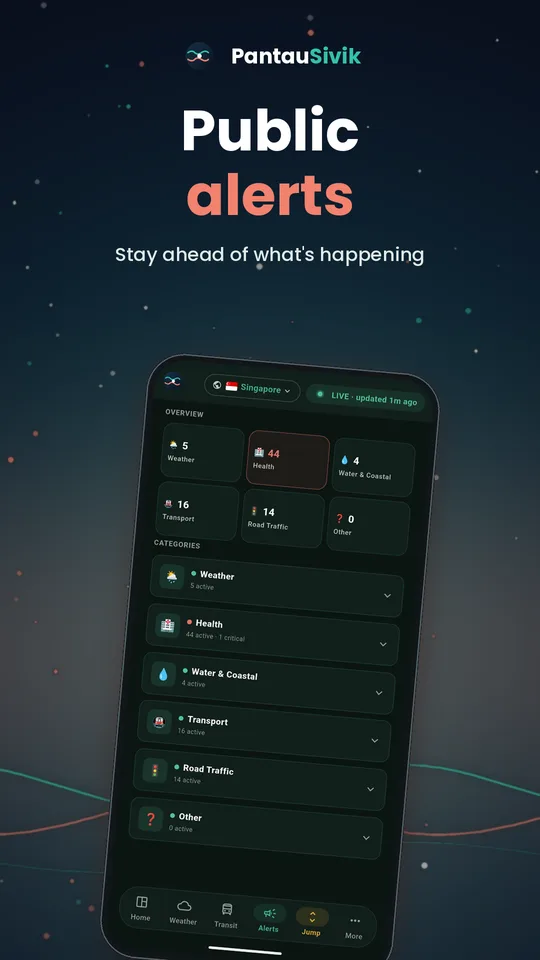
Phone screen with Public Alerts category tiles and a latest alerts list
Public Alerts

How to use Public Alerts for floods, train faults, road works and more

Read PantauSivik's Public Alerts: what each category means, how alerts are rated, how to choose what you see and how a tapped notification takes you to the right alert.

Read guide
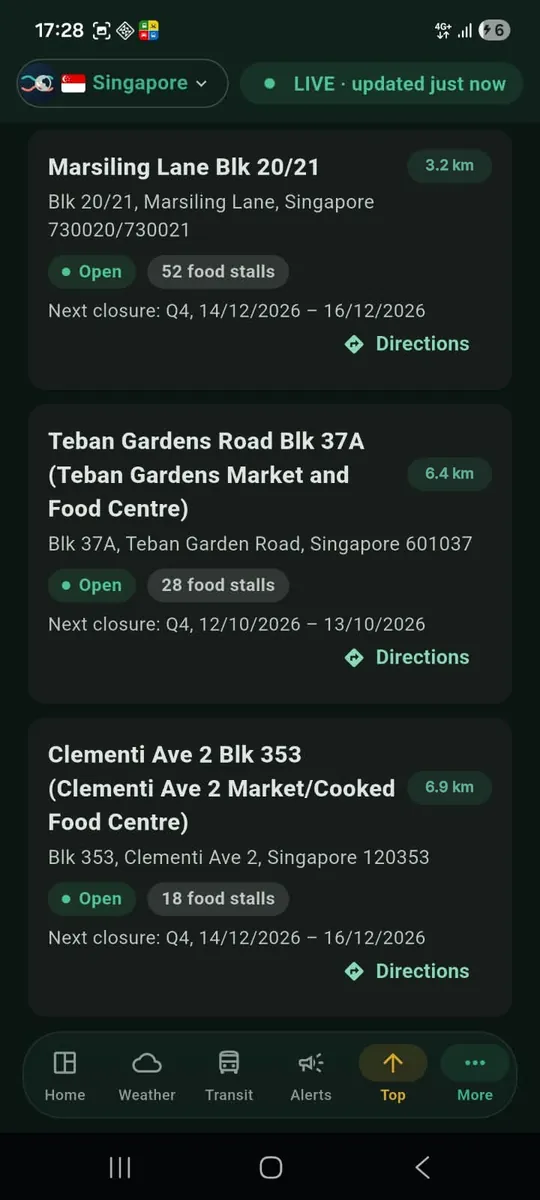
Hawker centre list in PantauSivik with distances and a Directions button on each card
Hawker centres

How to find hawker centres in Singapore and check if they are closed for cleaning

Use PantauSivik to find hawker centres near you, see which are closed for scheduled cleaning or repair work today and get directions.

Read guide
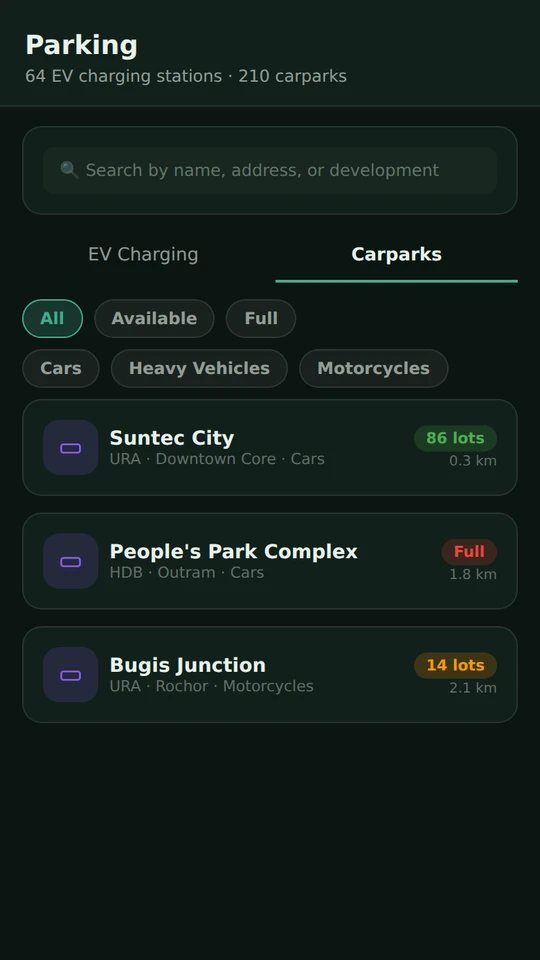
Phone screen listing nearby Singapore carparks with free lot counts and a Full label
Carparks

How to find carparks and check available lots in Singapore

Find carparks near you, see how many lots are free for cars, motorcycles and heavy vehicles, and get directions in PantauSivik.

Read guide
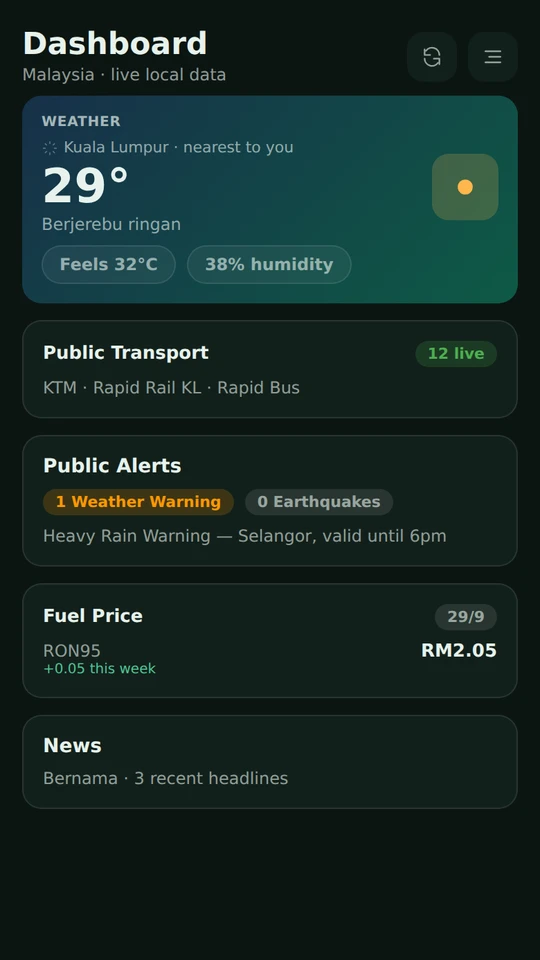
Phone showing the PantauSivik Malaysia dashboard with weather, public transport, alerts and fuel price cards
Malaysia

How to use PantauSivik in Malaysia: transit, weather, fuel prices and alerts

See what PantauSivik shows for Malaysia: Klang Valley transit, weather and warnings, weekly fuel prices and alerts, and how to switch country.

Read guide

More in Getting around guides  |  All app guides